Linking and unlinking labels for an access review
Roles and permissions
The following users can add labels to an access review:
Anyone with manager permissions for the access review
You can link and unlink labels from an access review at any time. Typically, you link labels when the access review is in Setup. When the access review is complete, you can generate proof and attach it to any labels linked to the access review. See Adding or removing proof for an access review and Linking access review proof to controls or labels.
To link labels to an access review
From the left menu, select Access reviews.
Select the access review where you want to add a label.
Select the Links tab.
Click + Link .
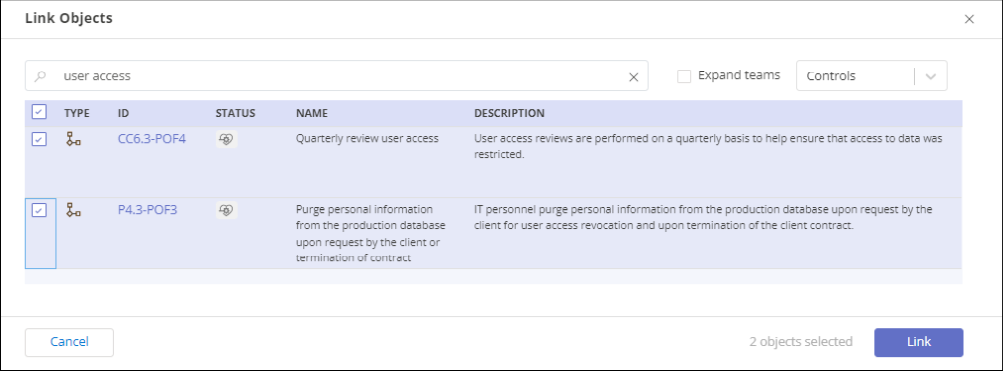
The Link Objects window opens.
Use the Select field to filter for only labels.
Use the Search field to narrow the list of labels.
Choose the labels to link by selecting one or more checkboxes.
Click the Link button to link the selected labels to the access review.
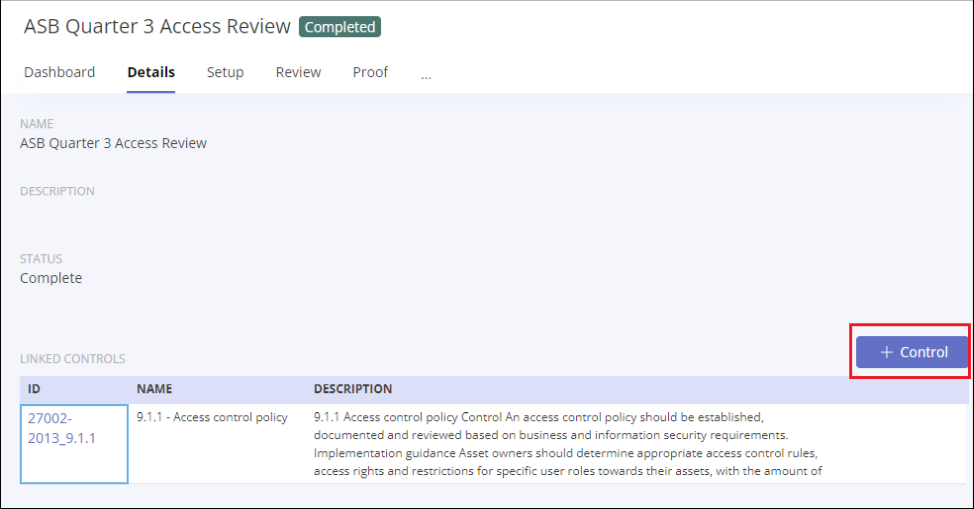
To unlink labels
From the left menu, select Access reviews.
Select the access review where you want to unlink a label.
Select the Links tab.
Click the dropdown above the grid and select Labels.
Mark each label you want to unlink with a checkmark and click Unlink.