Sending a risk assessment survey reminder
Roles and permissions
The following roles can send a survey reminder:
Anyone who is a manager or contributor on the survey
Anyone who is a manager or contributor on the evaluation
When you send a reminder to a respondent, it's recorded in the Activity Feed.
From the left menu, select Assessments.
Select your assessment.
Select the Evaluations tab.
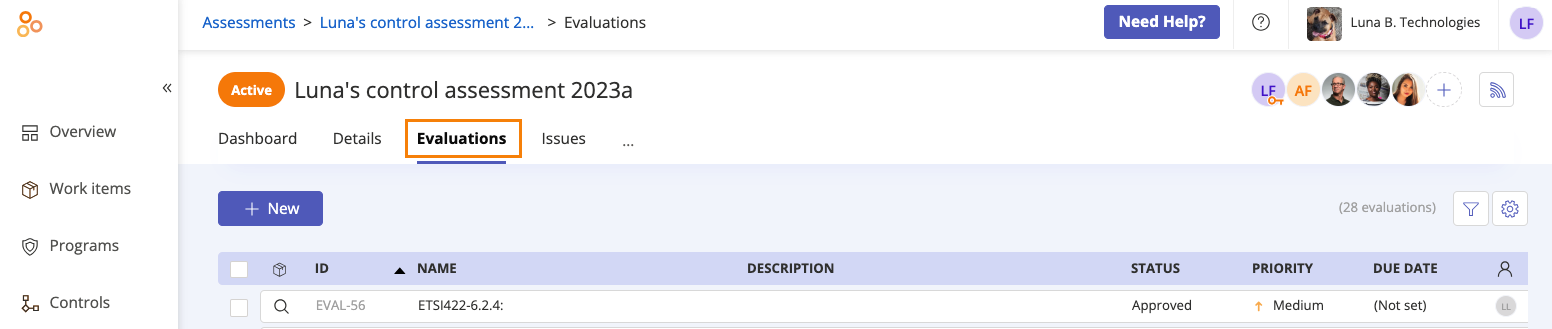
Select the evaluation that corresponds with the survey.
In the right pane, expand the Research section.
Locate the respondent to whom you want to send the reminder, then click Remind.
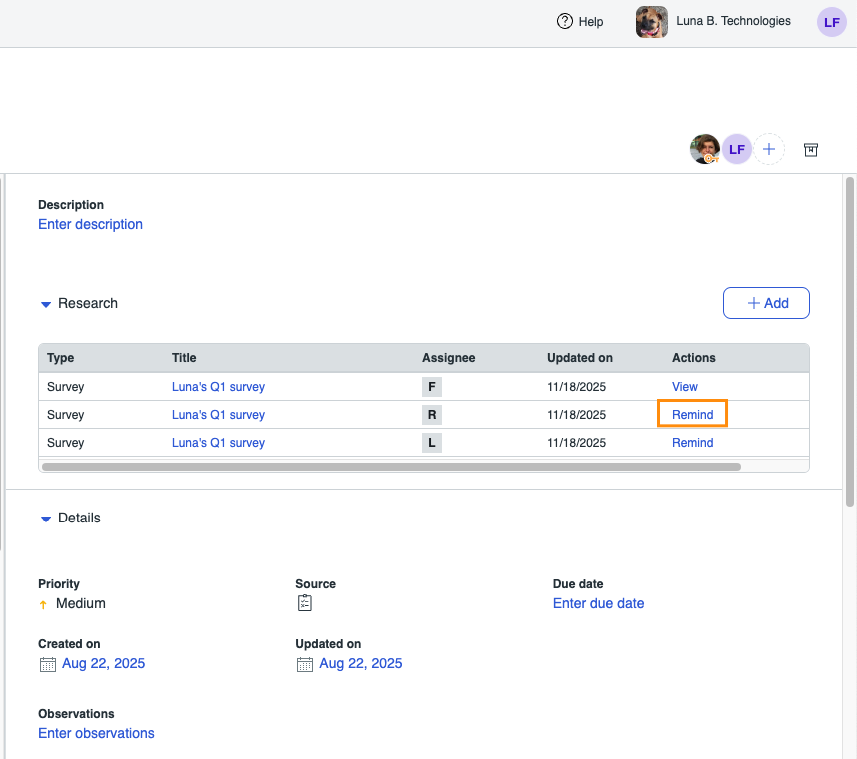
An email is sent to the respondent, reminding them to fill out the questionnaire. Reminders can be sent every 24 hours, and the respondent receives an email each time a reminder is sent.