Marking an assessment as 'Completed'
Roles and permissions
The following roles can mark an assessment as 'Completed':
Anyone with manager permissions for the assessment
Before archiving an assessment, you can update its status to 'Completed'. Follow the steps below.
From the left menu, select Assessments.
Select your assessment.
Select the Details tab.
Hover over Status, then select Completed.
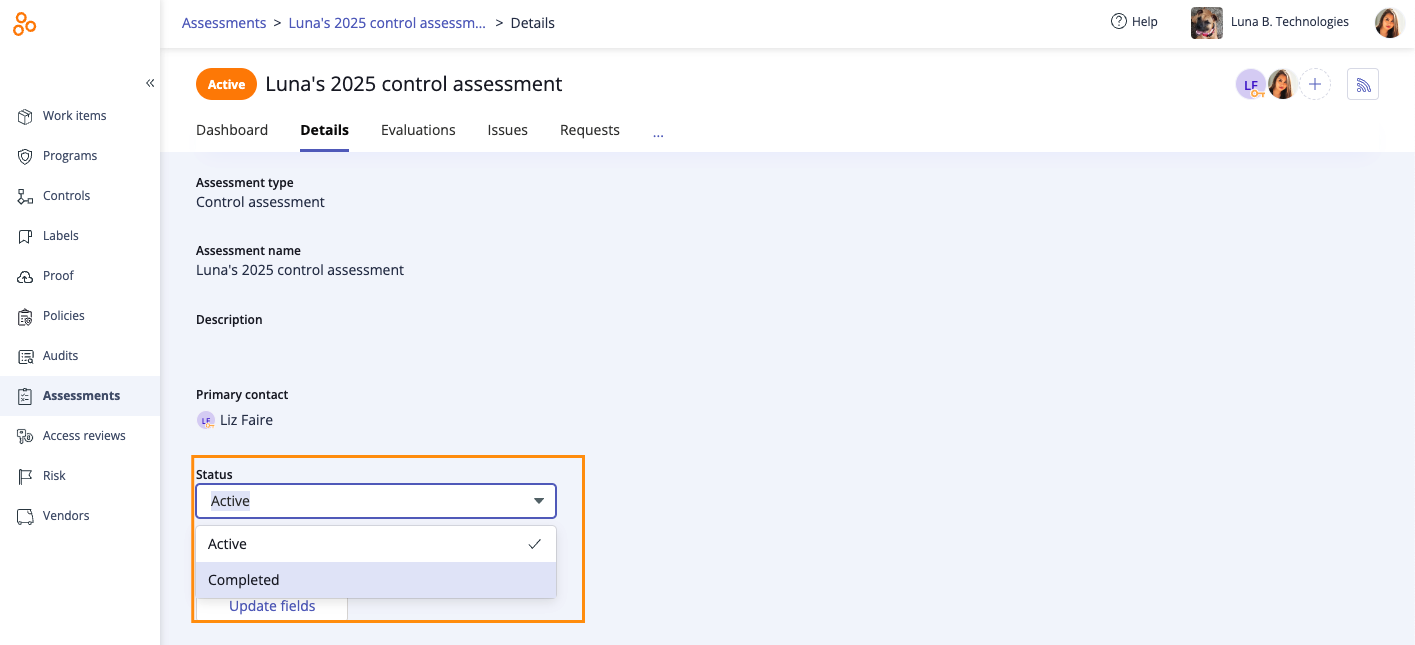
The assessment status is changed from 'Active' to 'Completed'. To archive the assessment, refer to Archiving and unarchiving an assessment.