Adding a user to a risk assessment survey
Roles and permissions
The following roles can add a user or group to a survey:
Anyone who is a manager or contributor on the survey
Adding a user or group to a risk assessment survey
The steps below explain how to add a user or group to a single risk assessment survey.
From the left menu, select Assessments.
Select the Risk surveys tab.
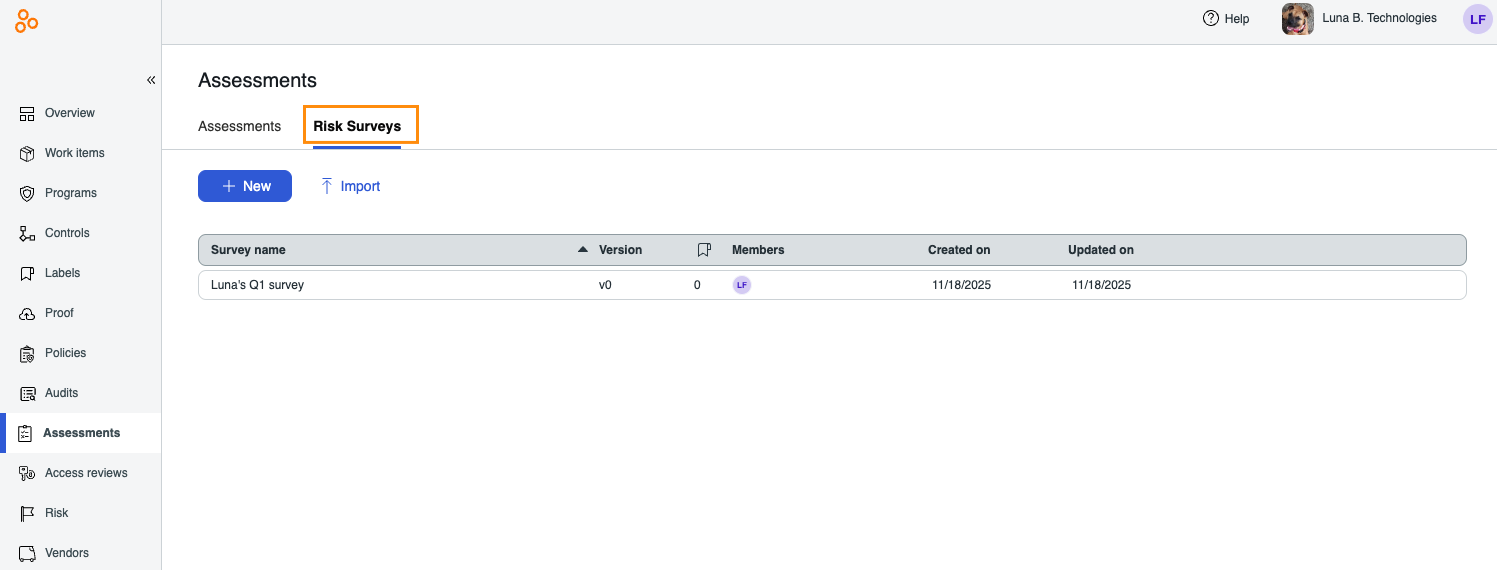
Select the survey you want to add the user or group to.
In the right pane, click the + icon.
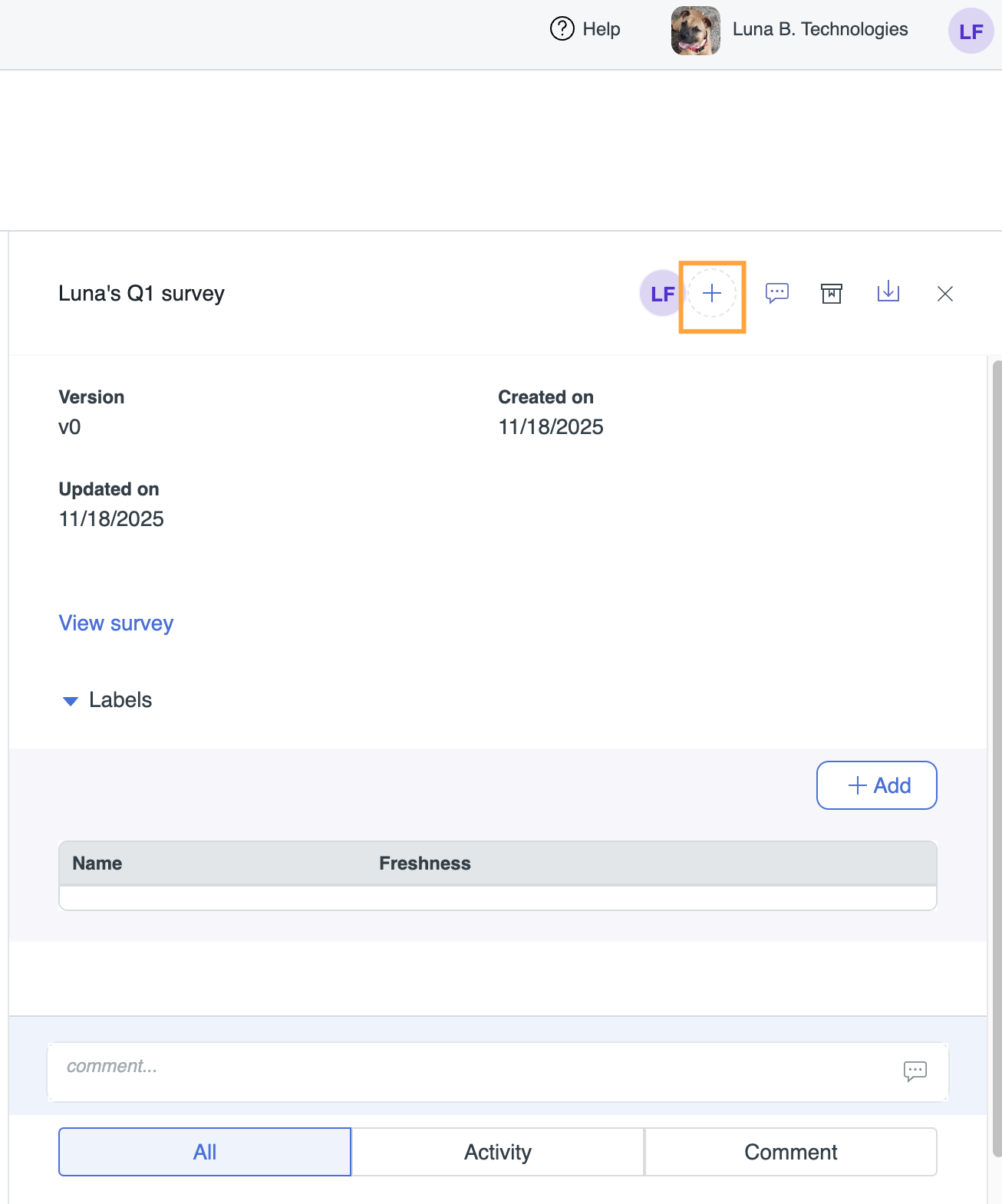
From the Add tab, do the following:
Click Add.
The user or group is added to the survey.
If notifications are enabled, an email is sent notifying the user that they have been added.