Completing a risk intake survey
Roles and permissions
The following can complete a risk intake survey:
Anyone with access to the risk intake survey URL whose email address contains one of the allowed email domains.
Risk intake surveys collect information about potential risks to your organization. These proposed risks are then evaluated, and if they have merit, they are promoted to actual risks by a team in your organization. Those risks are tracked and mitigated where possible.
To complete a risk intake survey, you must meet the following criteria:
You must have the survey URL.
Your email address must be from one of the allowed email domains. The list of allowed email domains is on the Risk intake register Details tab.
If you don't have a Hyperproof login, you must use a one-time passcode to access the survey. See One-time passcodes for external users in Hyperproof Gov or One-time passcodes for external users in Hyperproof US and Hyperproof EU.
Depending on how the URL is provided to you, you can click a link or copy and paste it into your browser.
Enter your email address and click Continue. If Hyperproof doesn't recognize your email domain, a message displays asking you to contact your Hyperproof administrator. The administrator can add your email domain to the allowed email domains list.
If you have a Hyperproof login, the login window displays. If you don't have a login, you are taken to the Verify your identity window to obtain a one-time passcode. See One-time passcodes for external users in Hyperproof Gov or One-time passcodes for external users in Hyperproof US and Hyperproof EU for instructions on using a one-time passcode.
The risk intake survey displays in the browser.
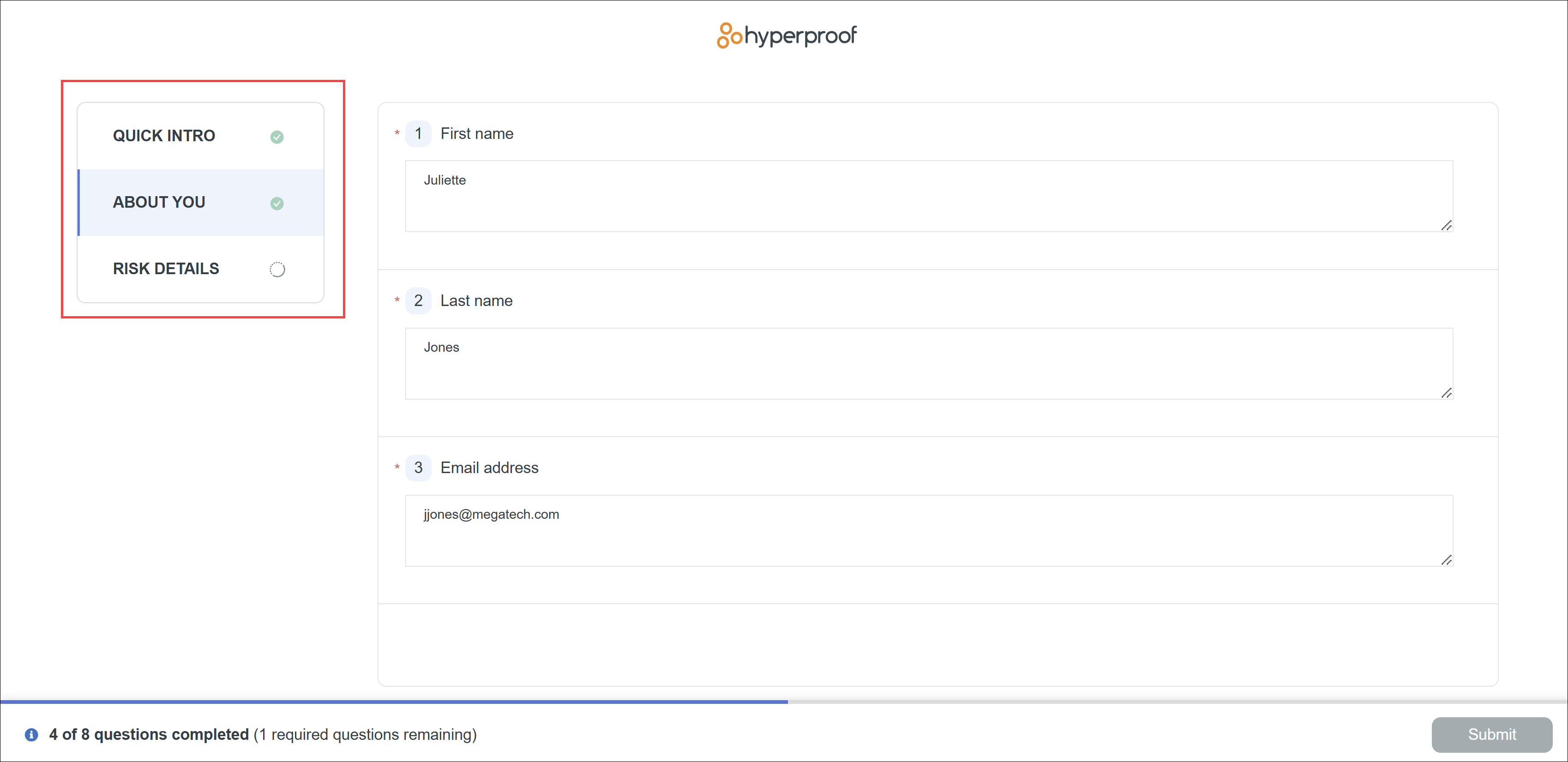
Click each entry on the left menu and complete the associated questions.
When all sections are completed, click Submit.
Hyperproof indicates that your survey response has been submitted.
