Viewing a risk intake survey response
Roles and permissions
The following roles can view a risk intake survey response:
Anyone with viewer permissions for the intake register.
When someone completes and submits a risk intake survey, the risk identified in the survey is added to the risk intake register. Risk fields in the survey are propagated to the proposed risk; however, responses to any additional fields can only be seen from the survey response.
Note
If the proposed risk has been added to an assessment, you can also view the survey response from the evaluation record. See Evaluating proposed risks.
To view a survey response:
From the left menu, select Risk.
Click the Intake register card.
Select the Risks tab.
The list of proposed risks displays.
Locate the proposed risk generated by the survey you want to view.
Click the View survey link for that risk.

The survey displays.
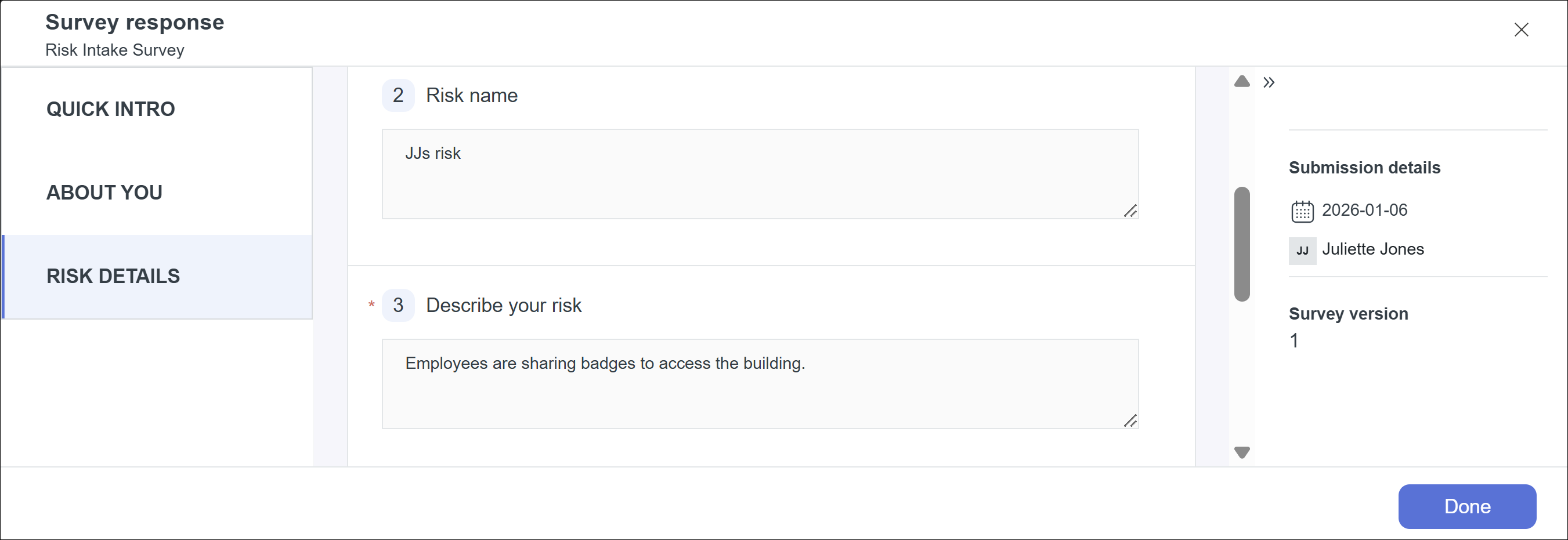
Click the options in the left menu to see different sections of the survey.
Click Done to close the survey response.