Linking proof to a vendor
Roles and permissions
The following roles can link proof to and unlink proof from a vendor:
Anyone with manager or contributor permissions for the vendor
Linking proof to a vendor
From the left menu, select Vendors.
Select the Vendors tab.
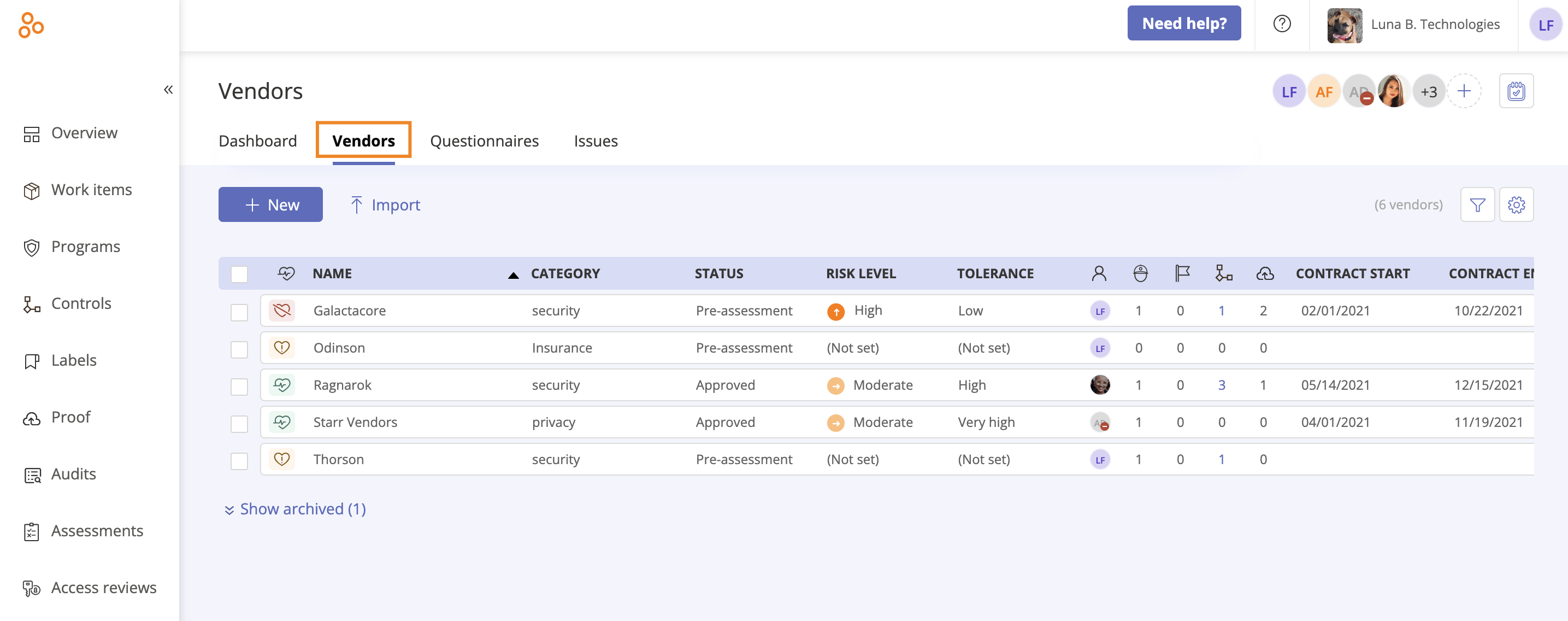
Select the vendor you want to link proof to.
In the right pane, select the Proof tab.
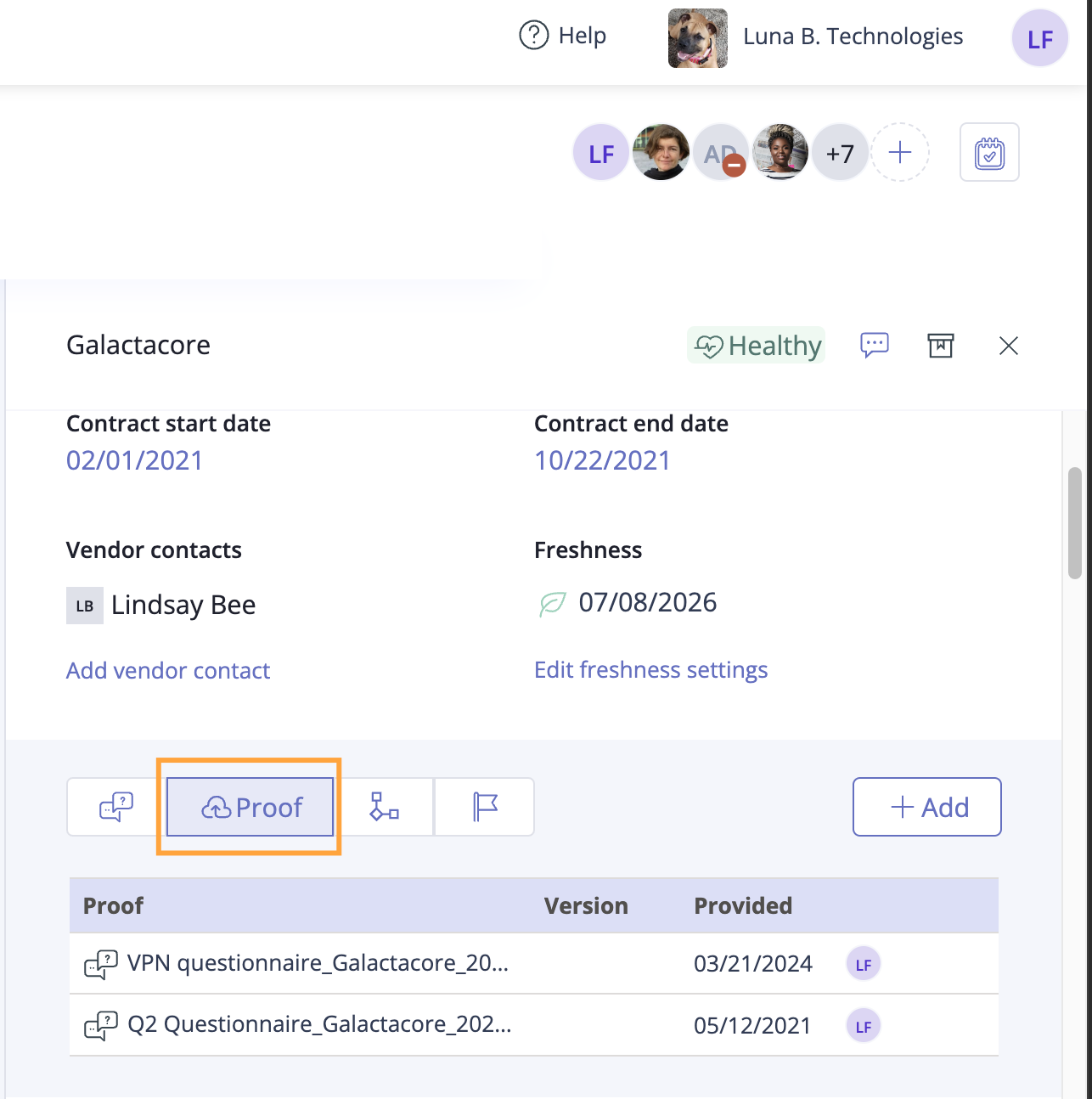
Click Add.
Unlinking proof from a vendor
From the left menu, select Vendors.
Select the Vendors tab.
Select the vendor with the proof you want to unlink.
Hover over the proof you want to unlink, then click the Unlink icon.
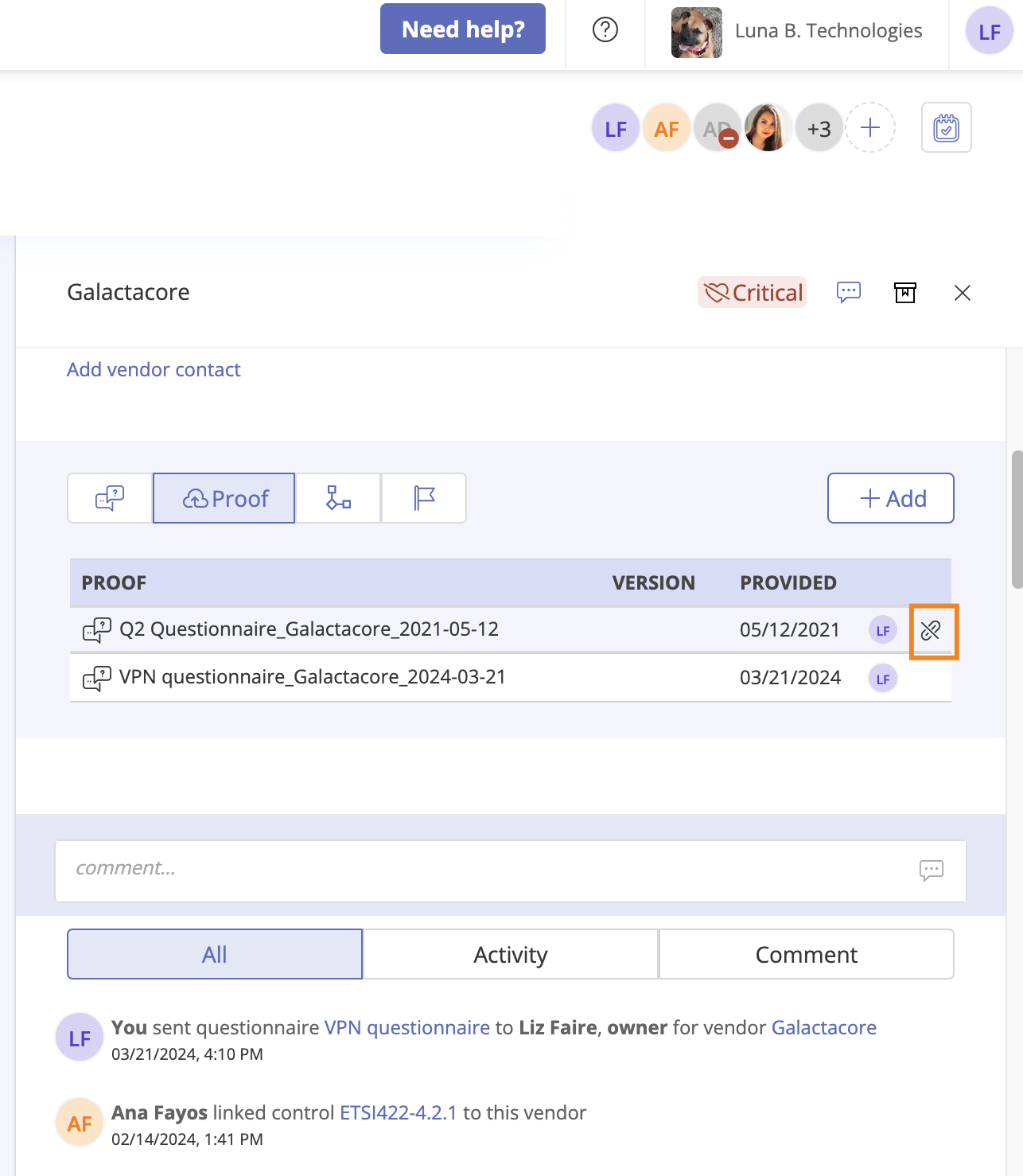
Click Confirm.
The proof is unlinked from the vendor.