Deleting an attachment from a task
Roles and permissions
The following roles can delete an attachment from a task:
The creator or the assignee of the task.
Anyone with manager permissions for the task.
From the left menu, select Work Items or Assessments.
Select the Tasks tab.
Select the task with the attachment you want to delete.
In the right pane, click ... next to the attachment.
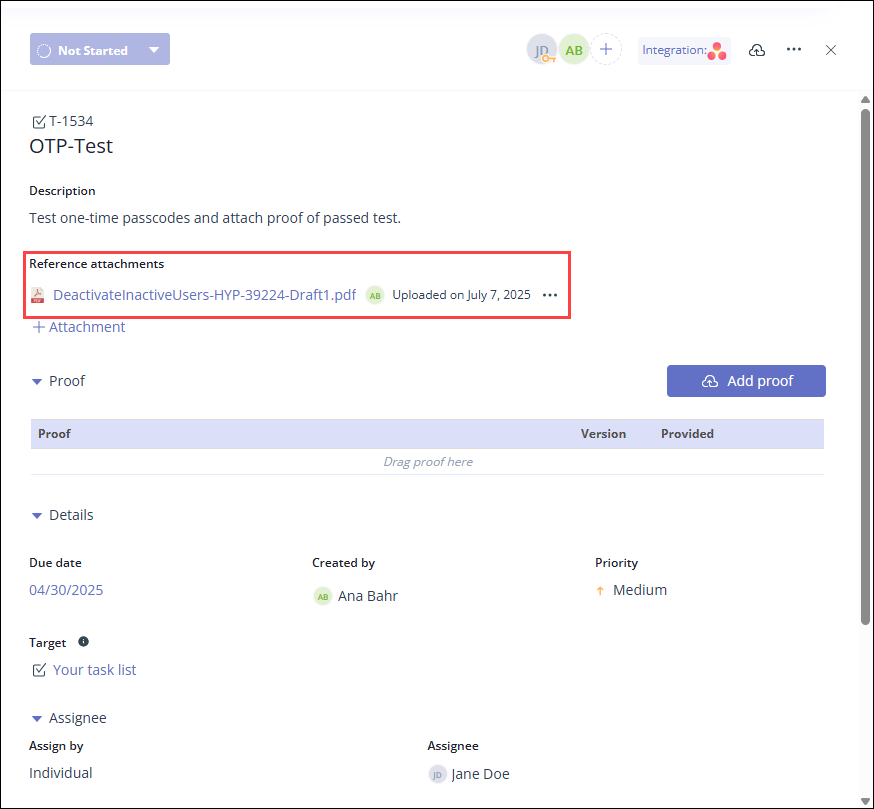
Click Delete attachment.
The file is deleted from the task.